Bills that change
Electricity and water are different every month. Fridgie estimates from your last three bills until you type the real amount.
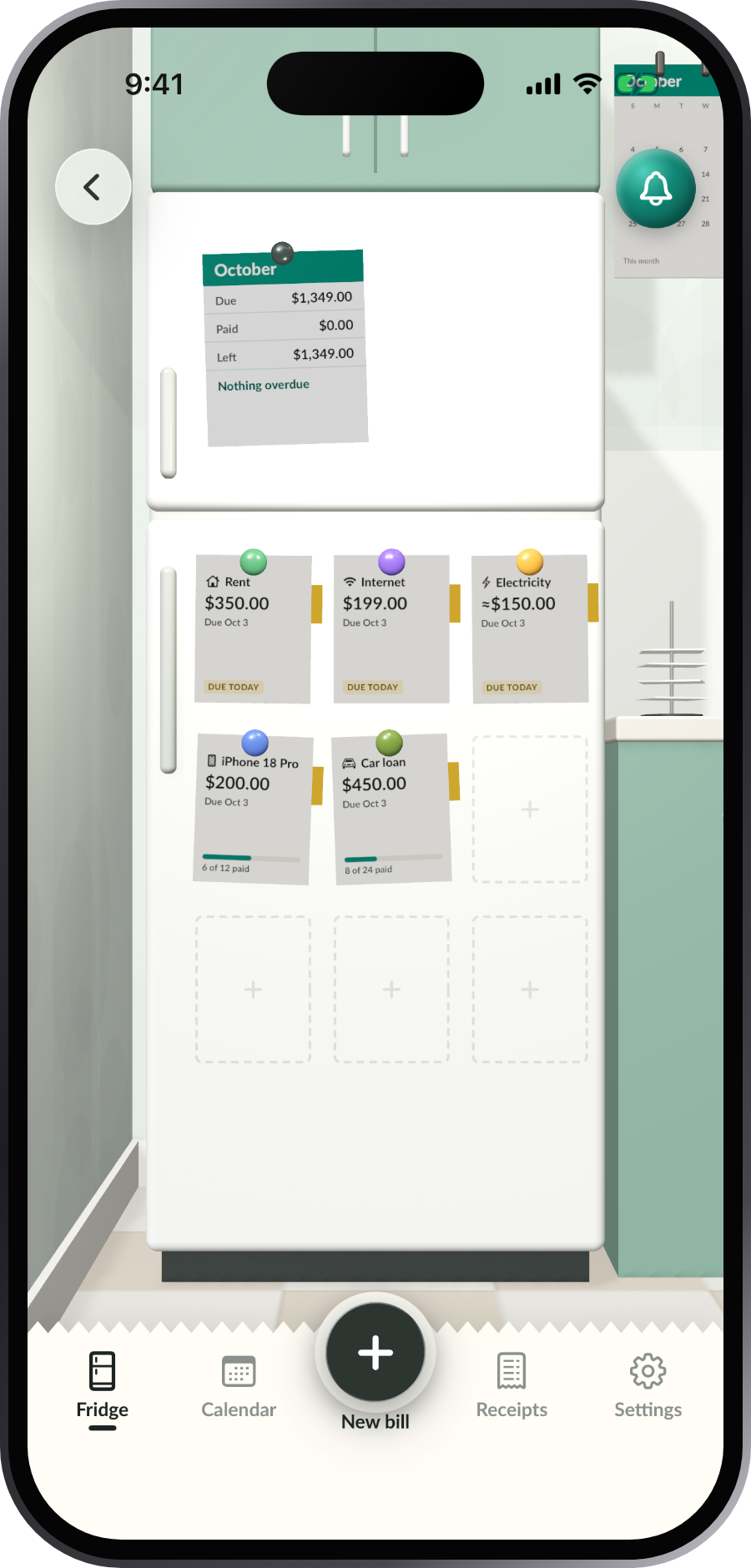
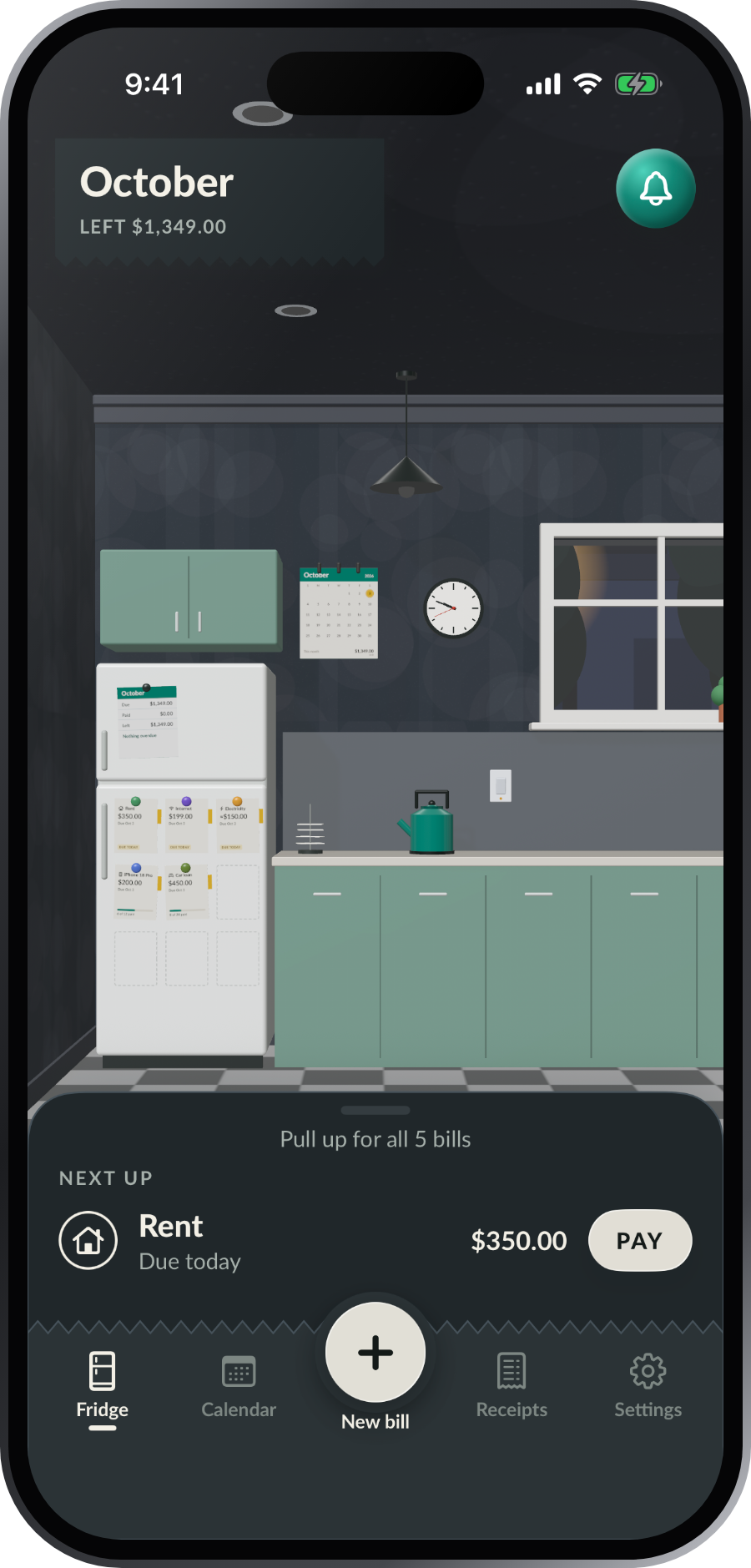
Every bill becomes a slip under a magnet on your fridge door. A yellow flag when it’s due soon, a red magnet when it’s late, and a big PAID stamp when you’ve paid it.
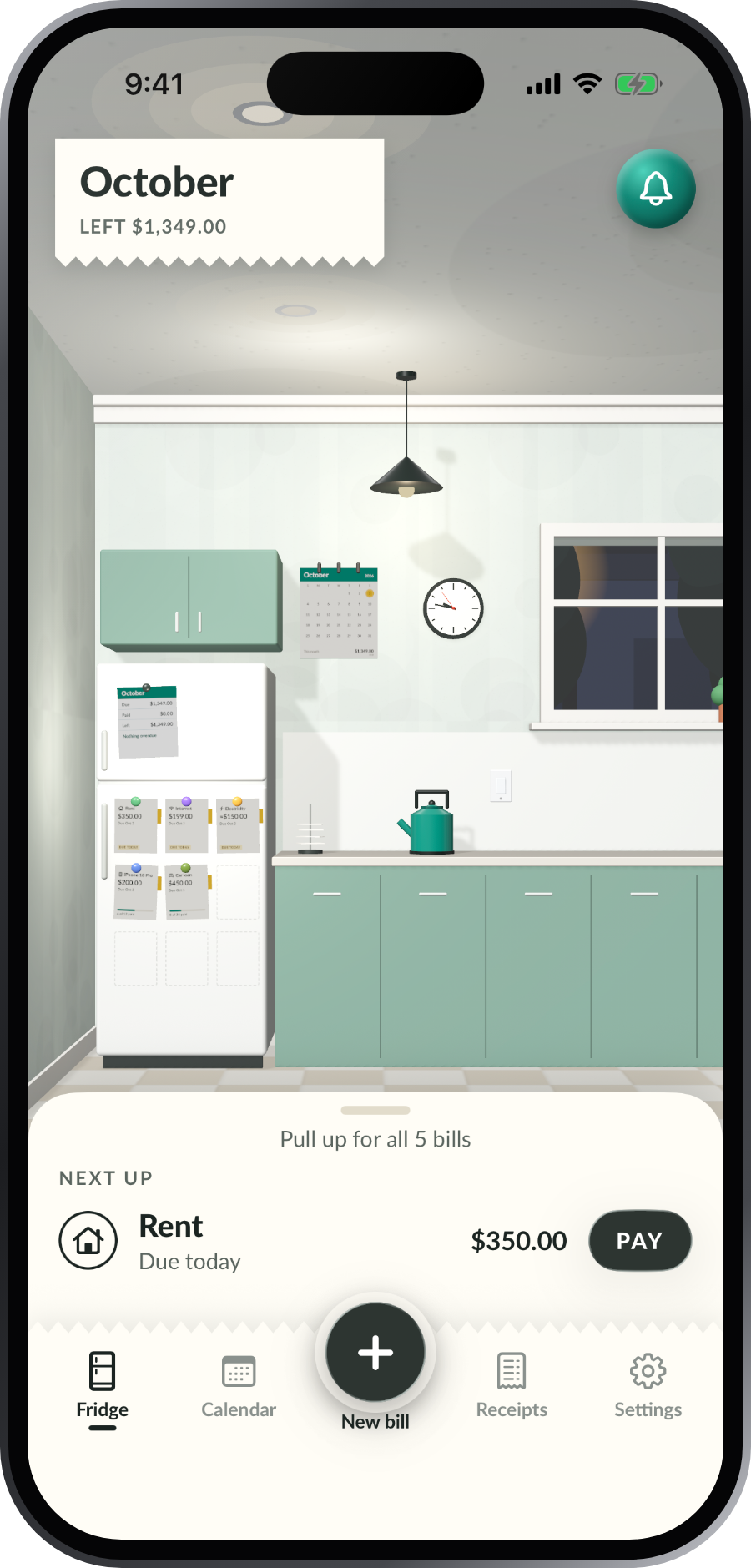
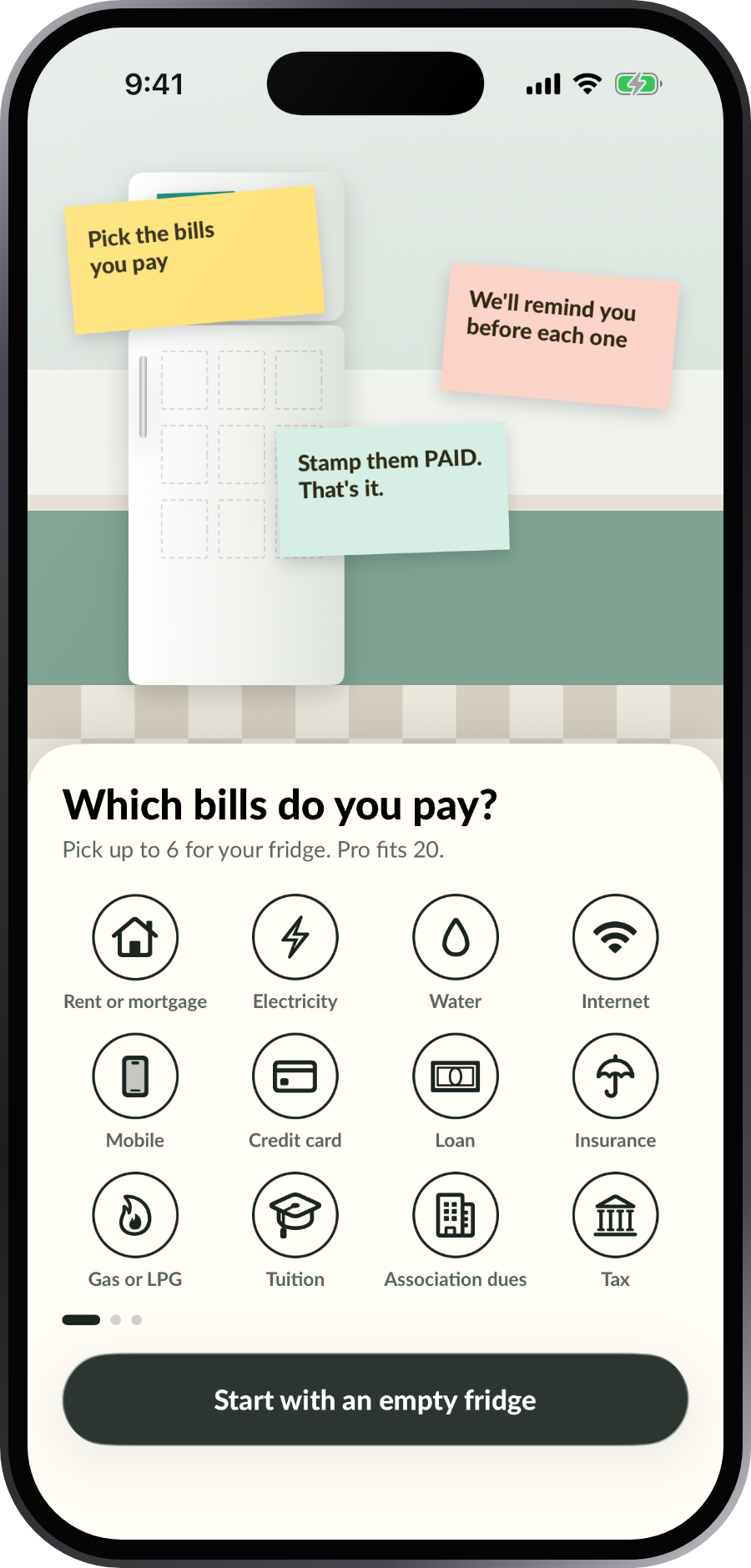
Rent, power, water, internet, cards, loans, insurance, tuition. Choose the kind: the same every time, changes each time, installments, or one-time.
A heads-up before each bill is due, a reminder on the day at the time you pick, and a nudge if it’s late.
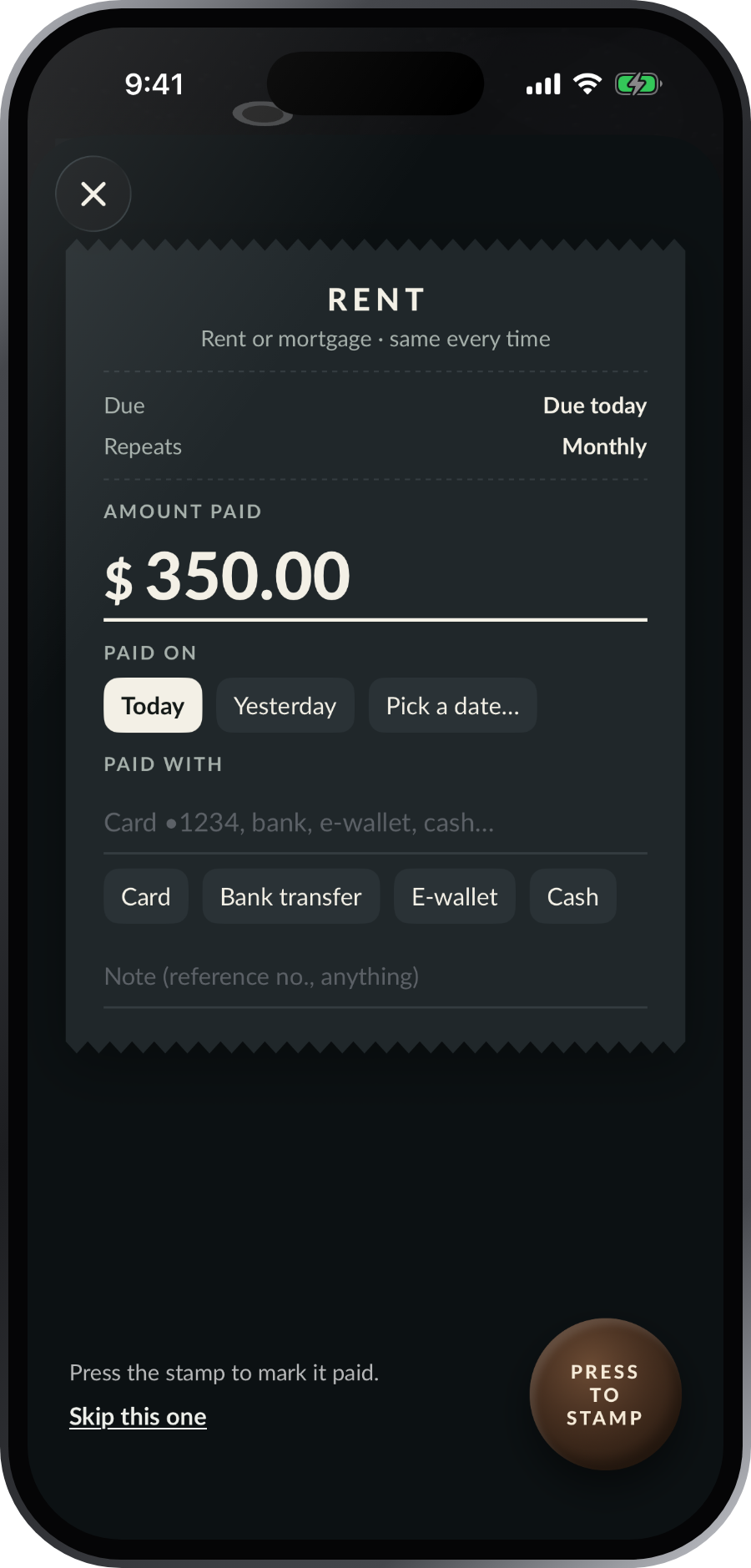
Fill in the receipt, press the stamp, and PAID comes down on the slip. Changed your mind? Undo is right there.
Pay from the receipt: the amount, the day you paid, and what you paid with. Then press the stamp.
Electricity and water are different every month. Fridgie estimates from your last three bills until you type the real amount.
“9 of 24 paid”, what’s left to pay, and a celebration when it’s paid off.
For direct debits, Fridgie marks the bill paid on its due date, so the fridge stays right without you.
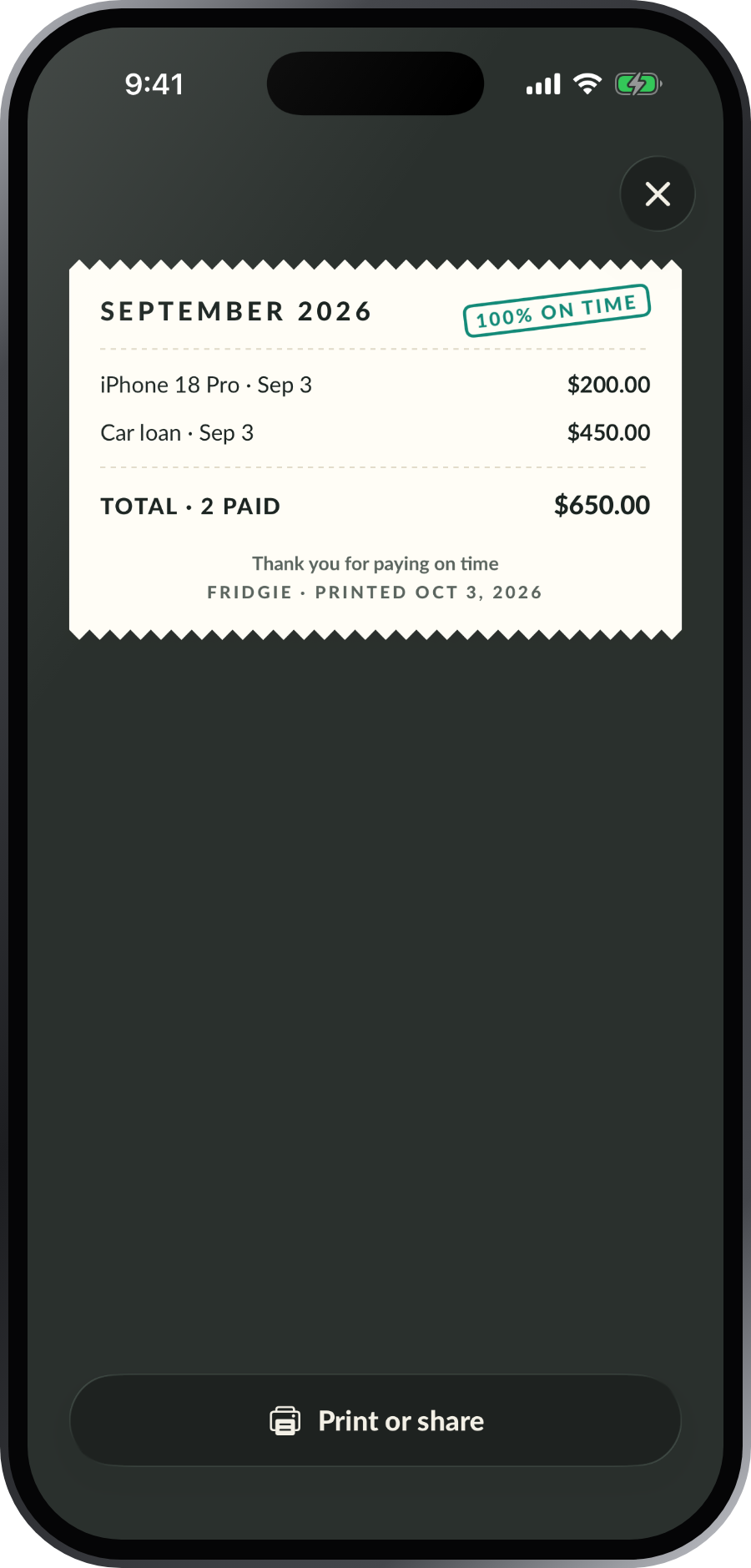
Tap any receipt to print it, send it to family, or save it as a picture.
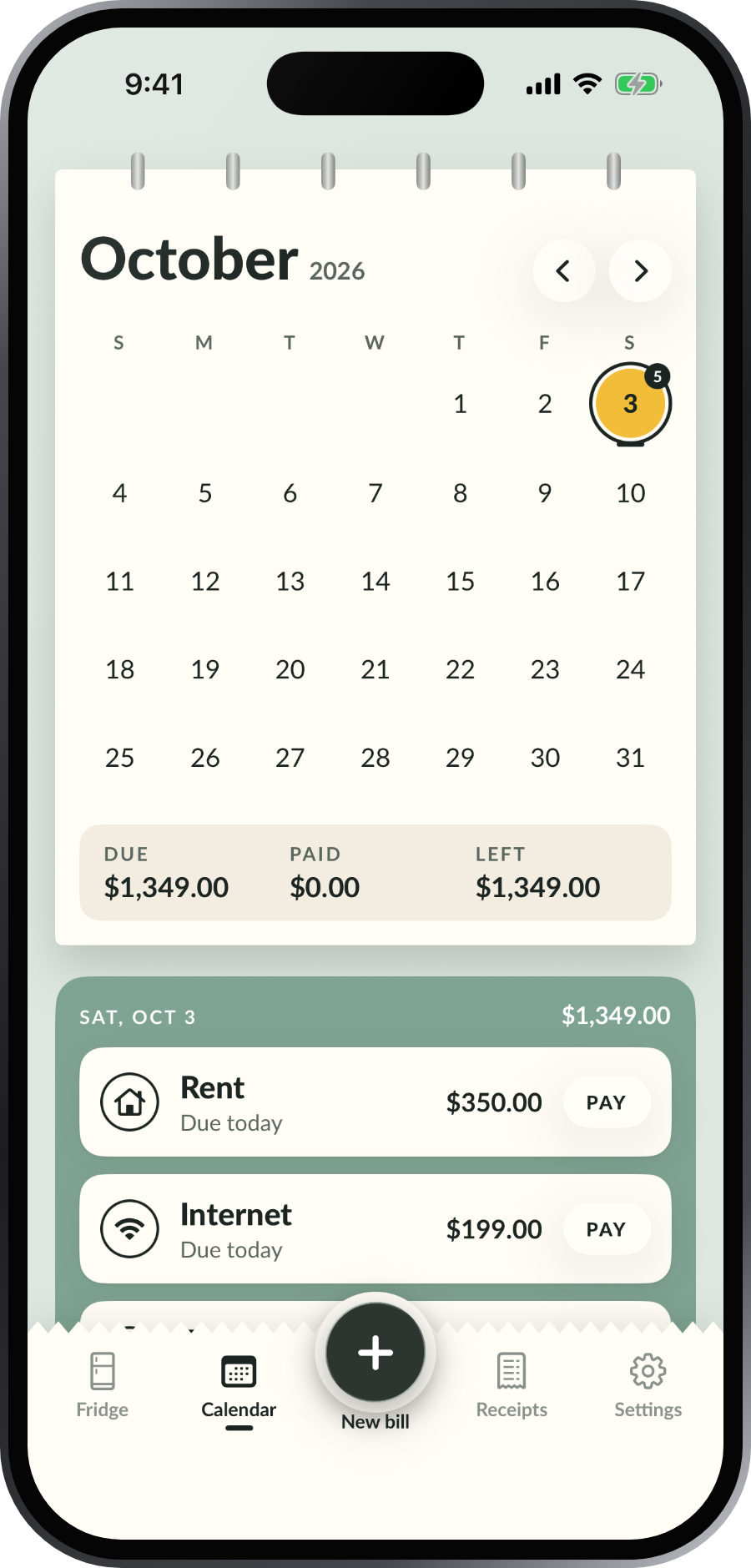
Due days circled by status, with the month’s due, paid and left.
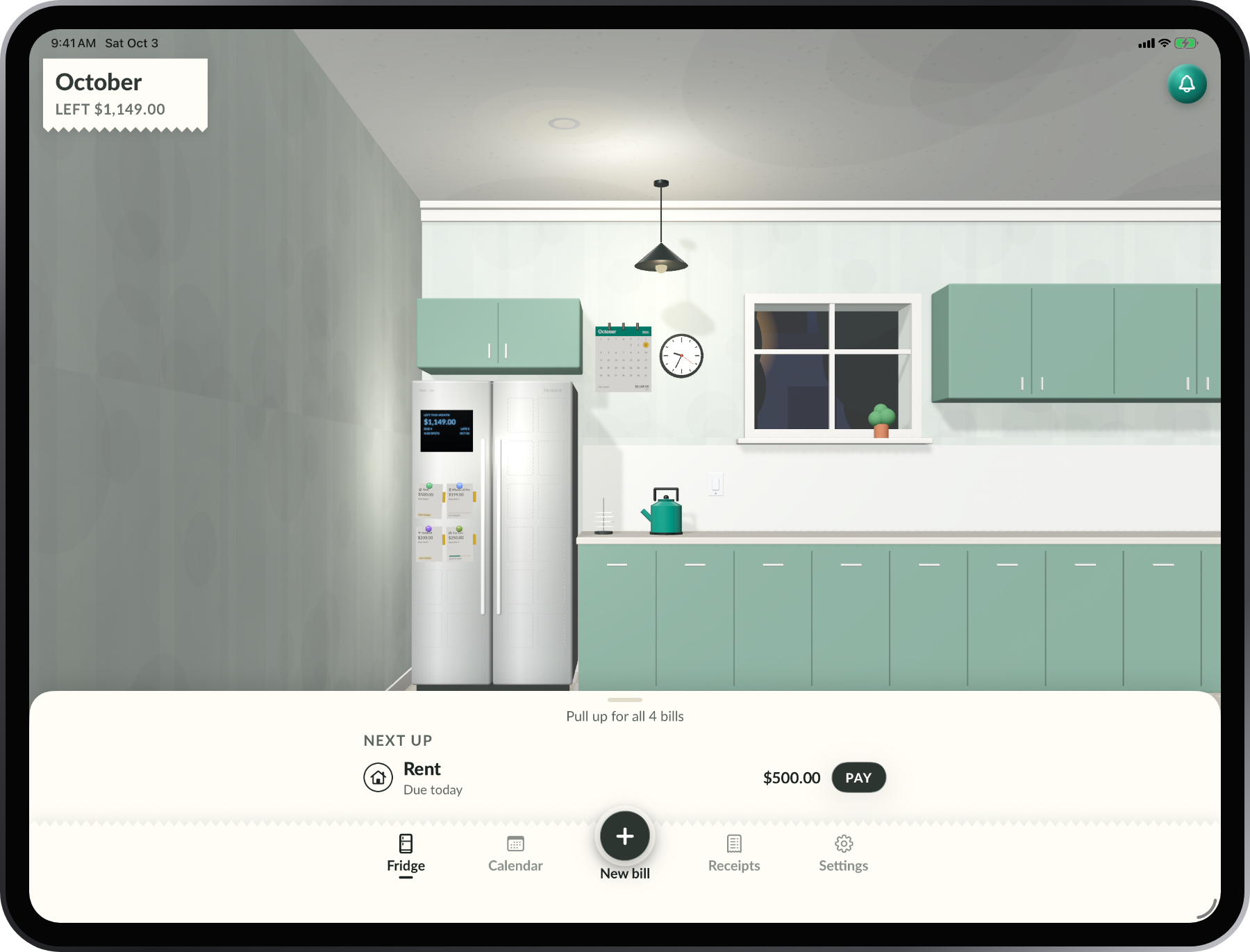
The window follows your day from sunrise to stars, the clock shows your time, and the light switch turns on dark mode.
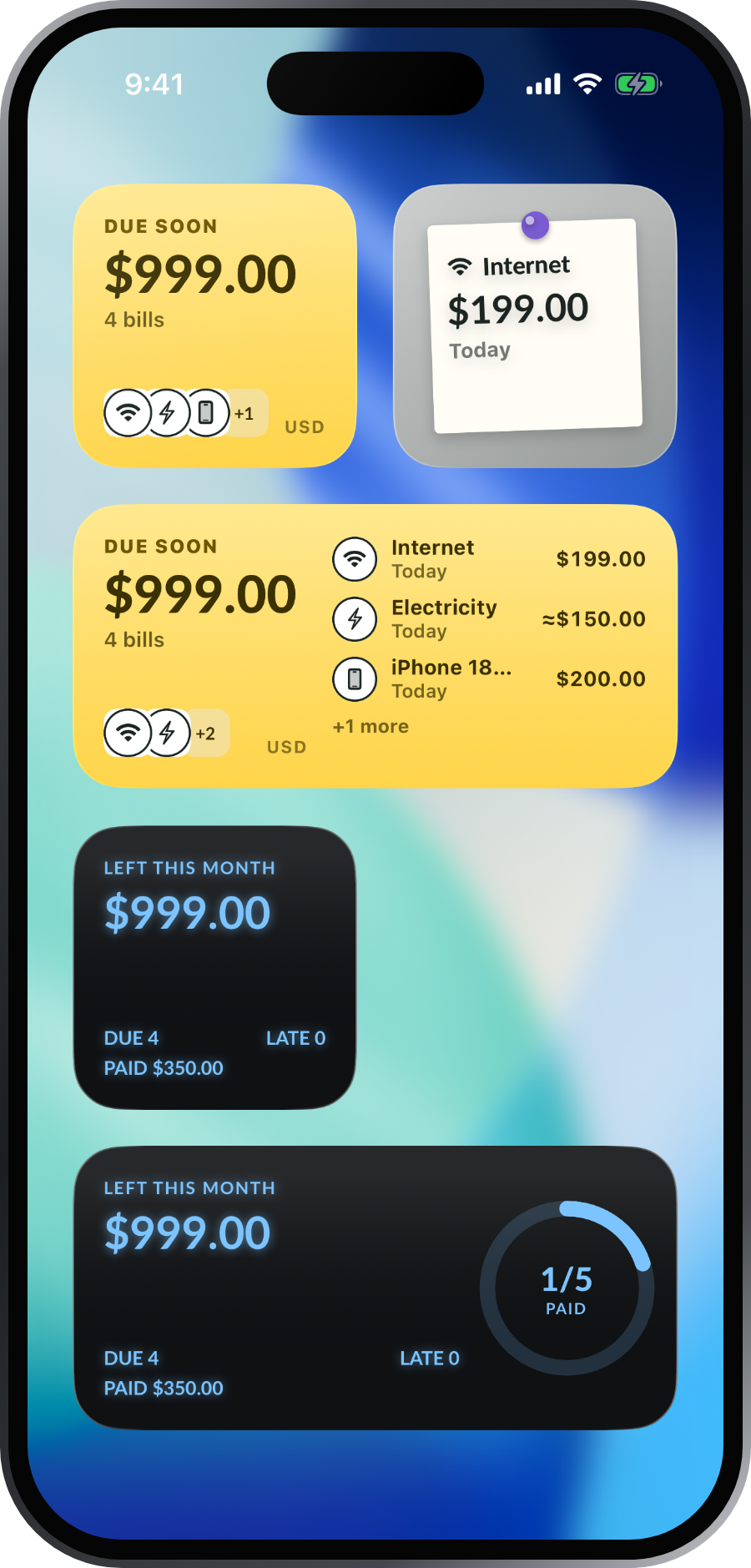
Due soon on your Home Screen, free. Next bill, This month, a mini fridge and Lock Screen widgets with Pro.
Each bill keeps its own currency. Totals are converted into yours.
No account, no bank connection, no tracking. Your bills stay on your phone.
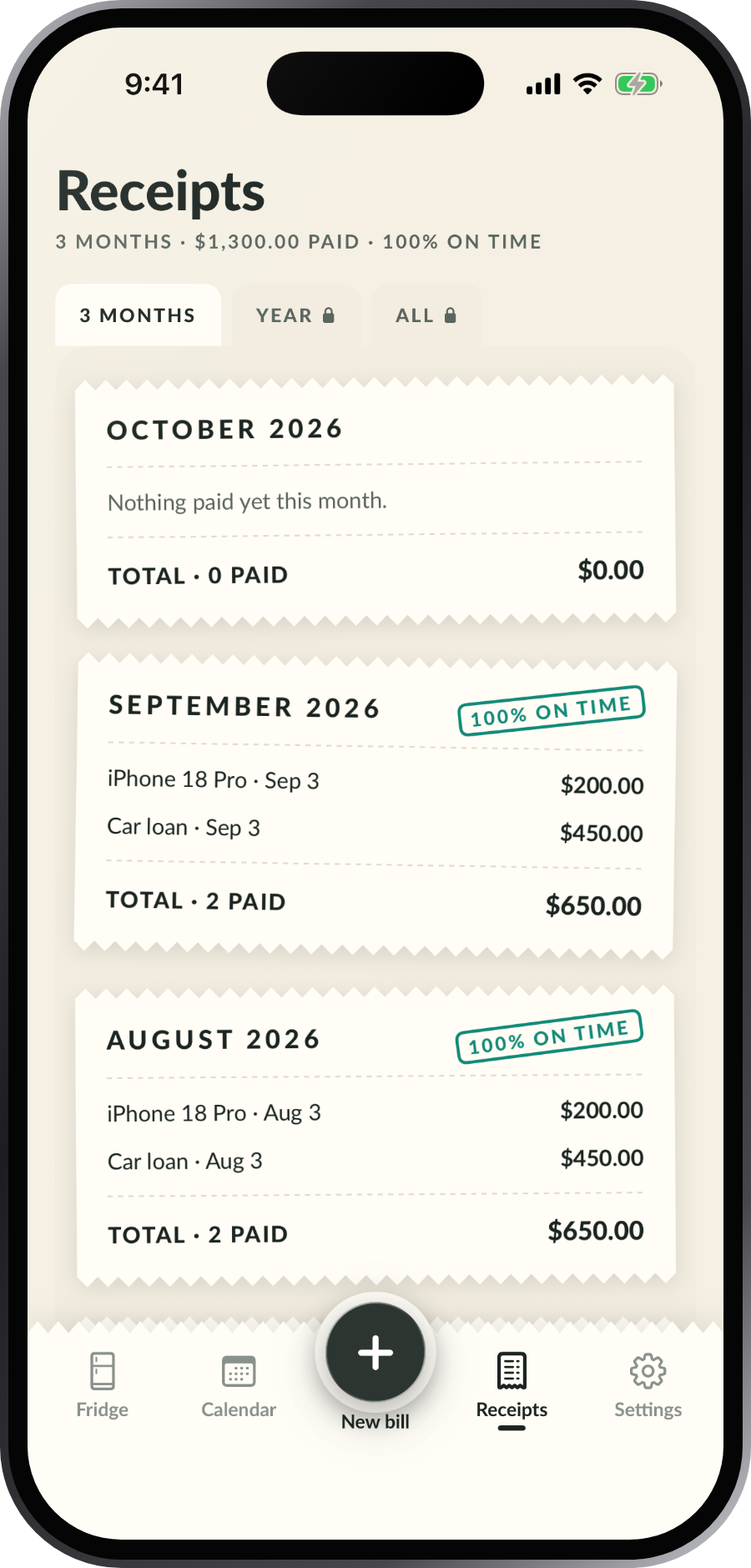
Every payment you stamp lands on that month’s receipt, with the total and how much you paid on time. A By category receipt shows where the money went.
Tap a receipt to see it up close, then print it, send it to the family, or save it to Photos.
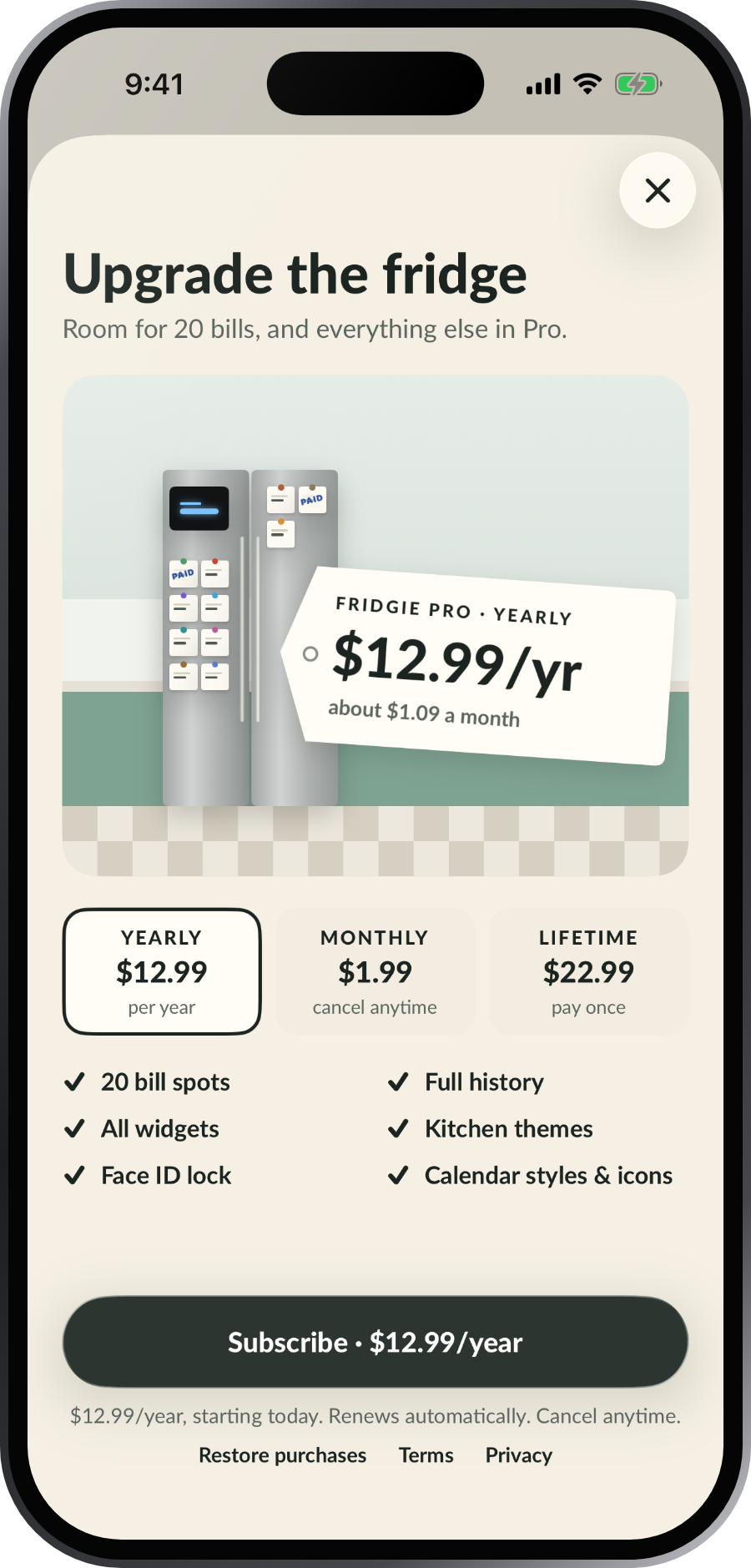
Free fits 6 bills on a white single-door fridge. Pro swaps it for a stainless side-by-side with room for 20, and a blue display that tells you what’s left to pay this month.
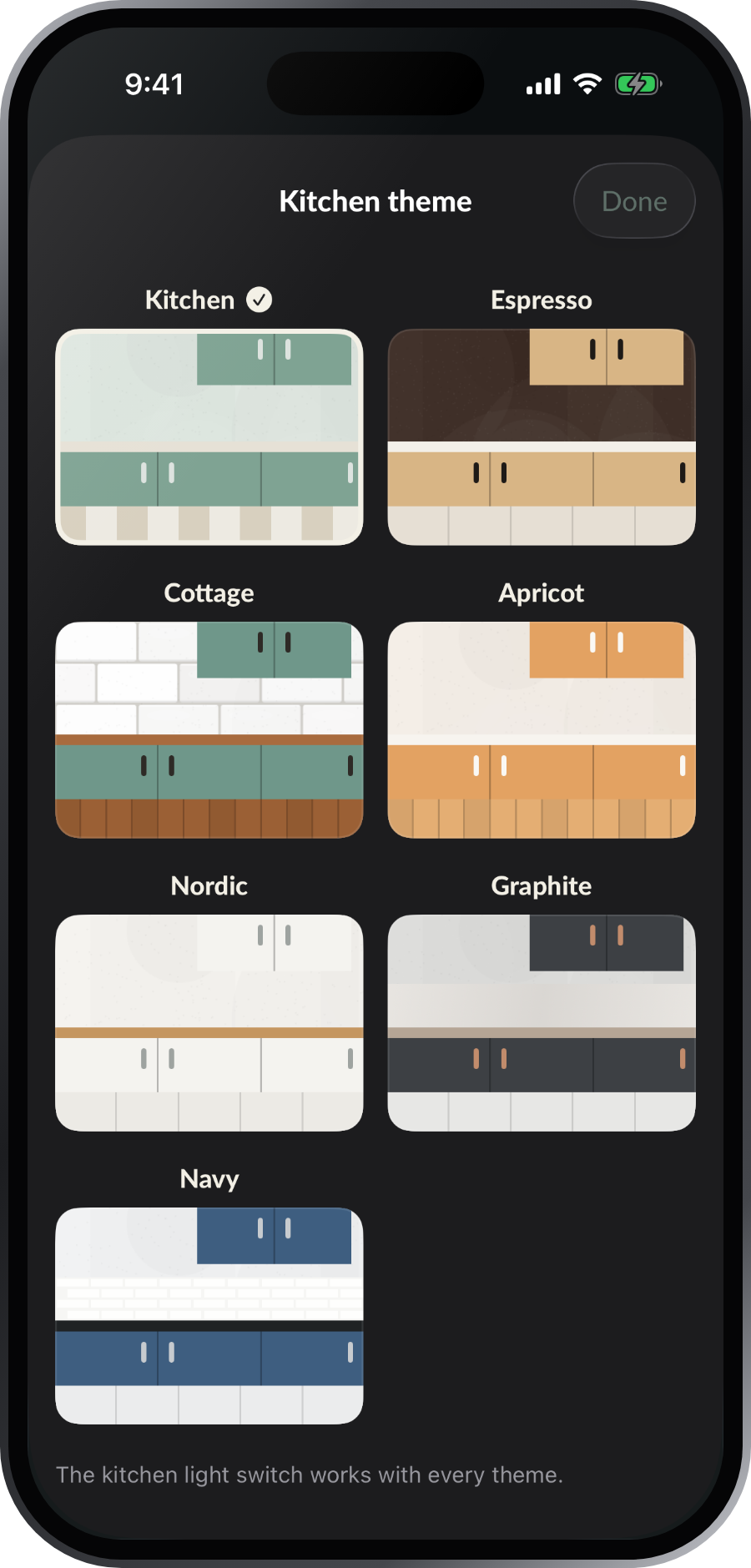
Pro also keeps every receipt and adds the Pro widgets, kitchen themes, calendar styles, Face ID lock and app icons.
Fridgie is made for iPad too: every screen fills the space, in portrait and landscape, with keyboard shortcuts and the pointer.
₱0
₱799 / year
₱99 / month
₱1,490 once
Prices in the Philippines. The App Store shows the price in your country before you buy.
Read the answers on the Support page, or write to us. We read every message.